
How Ordera
A workflow optimized for high demand, designed by restaurant operators for restaurant operators.
Unified order taking
Orders are captured from dine-in, counter, pickup, own delivery or the online store. Everything flows into a single control center.
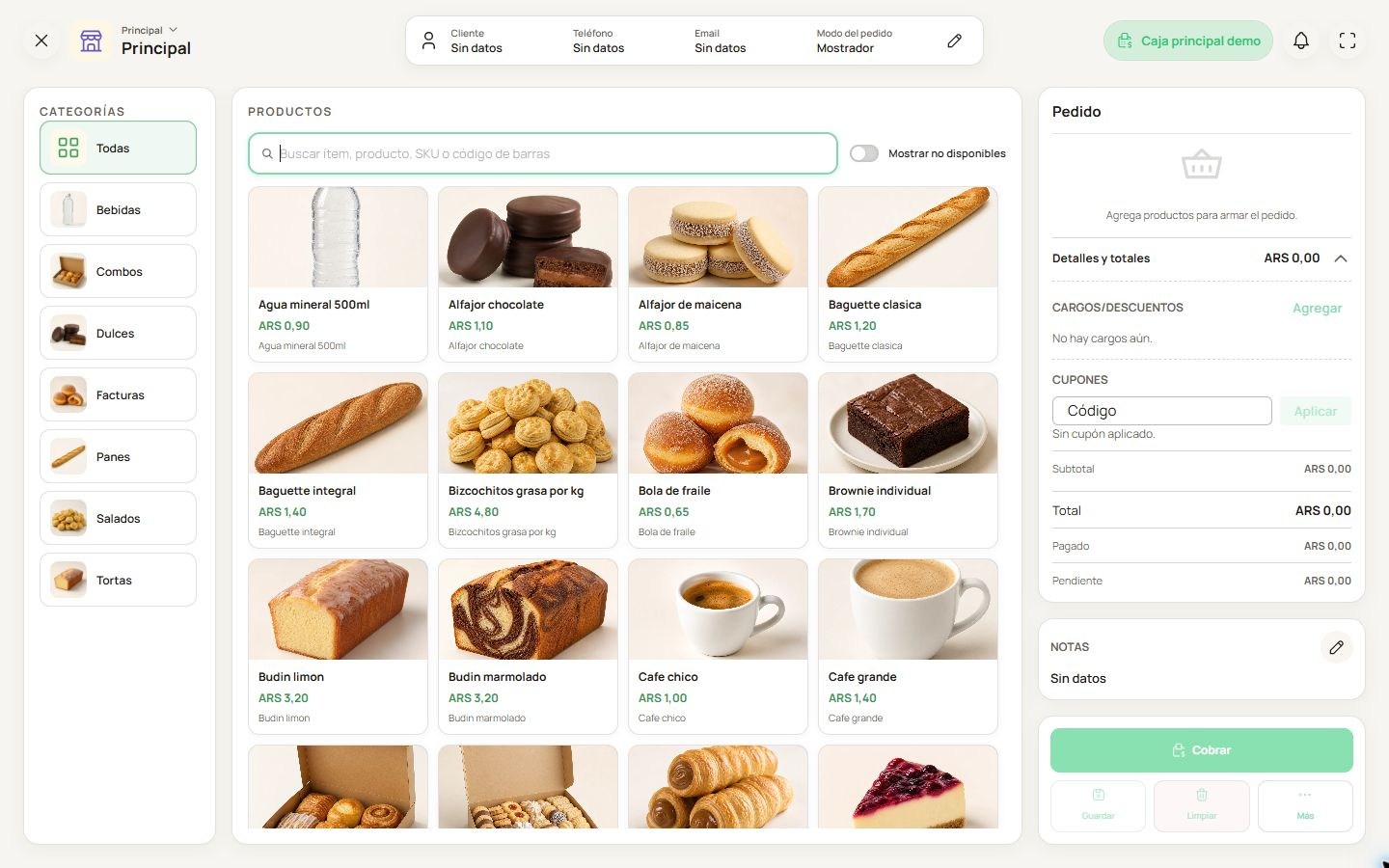
POS or tablet capturing dine-in orders.
Kitchen orchestration (KDS)
The order arrives at the matching prep station. The system groups orders by dish and prioritizes by cooking time so everything plates together.
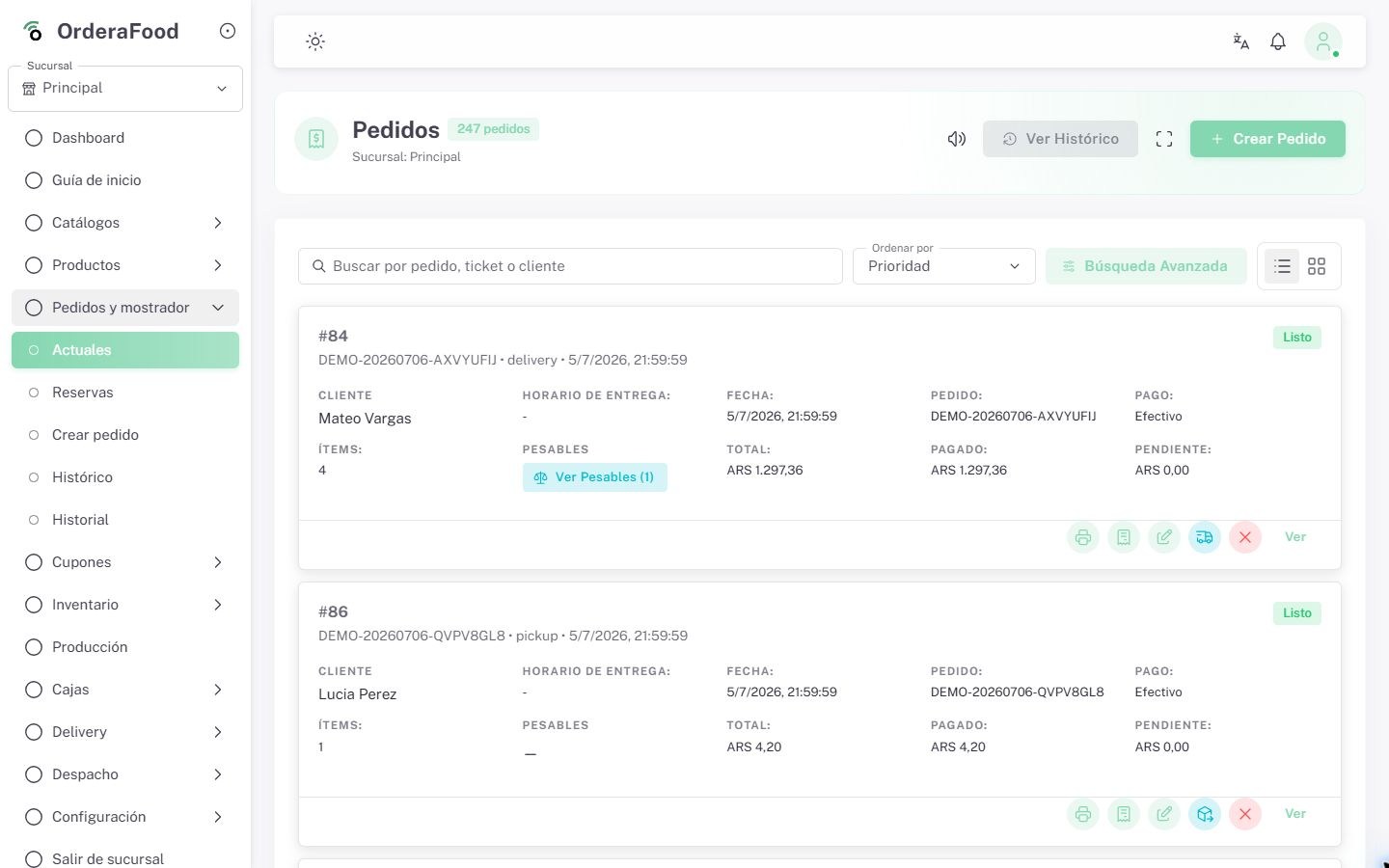
Kitchen ticket or KDS monitor with active orders.
Notification and dispatch
When the dish is ready, staff get a visual and audio alert. Dispatch is marked and the customer is notified for pickup orders.
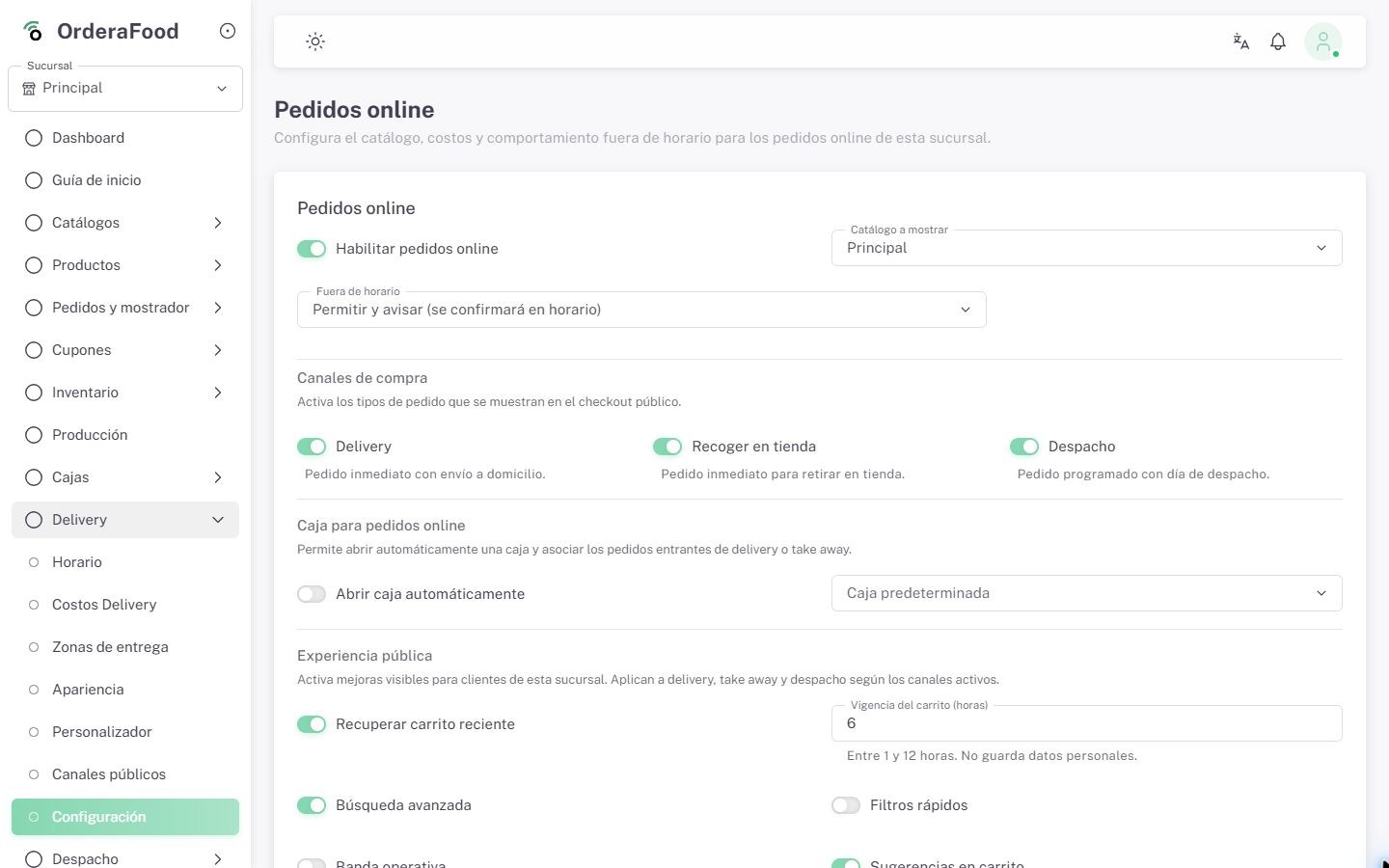
Team marking orders as ready for dispatch or pickup.
Payment and closing
Payment is recorded using configured methods and the sale is ready for checkout, inventory and reporting control.
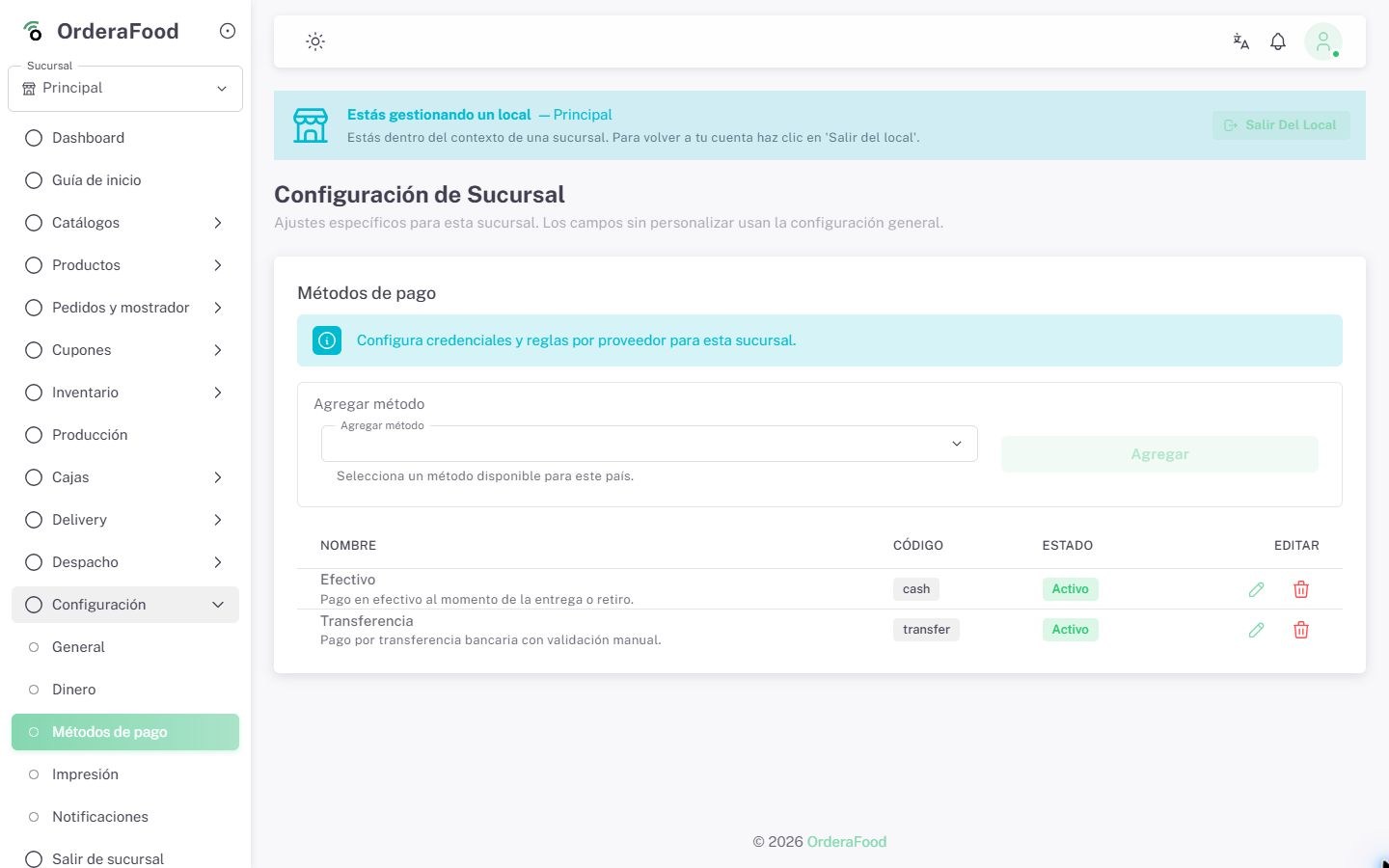
Checkout screen with multiple payment methods.
Want to see the complete workflow live?
We show you how orders are captured, how kitchen execution moves forward and how the sale closes in minutes.
How it looks in operation
Real system captures to show kitchen, checkout and operational follow-up without internal notes.
Active orders and connected operational tracking.
Kitchen view
Show the board in real use to validate speed and kitchen discipline.
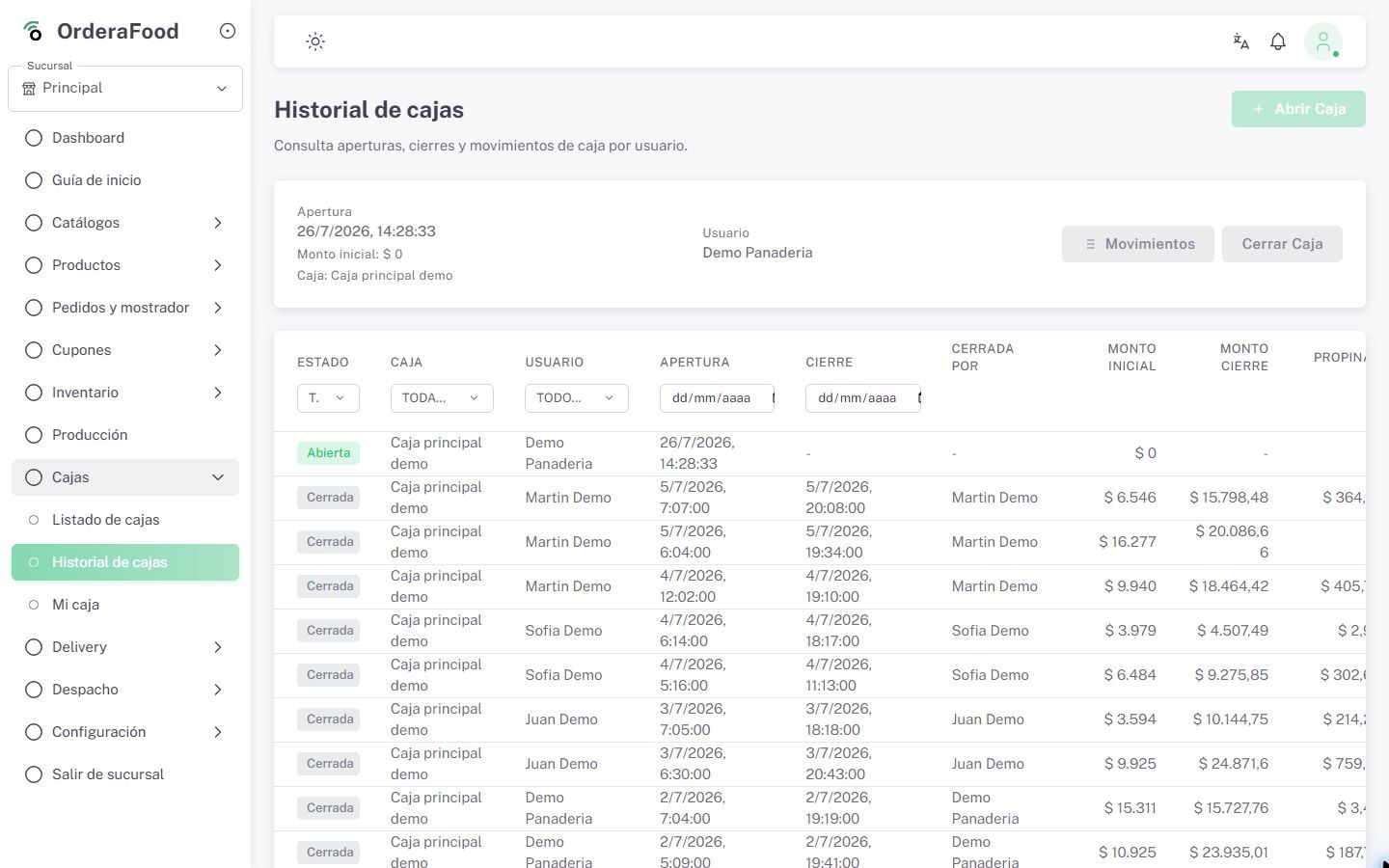
Cash control, sales and analytics for administrative closing.
Cash view
Show the end-of-sale flow to reinforce clarity and administrative control.